

Kubernetes(Helm)
If you don’t have the repo added, run the following command to add it:If you are using a namespace other than the default namespace, you will need to specify the namespace in the
helm and kubectl commands by using the -n <namespace flag.Running state. Verify that clickhouse is running and that both migrations jobs have completed.
Validate your deployment:
-
Run
kubectl get servicesOutput should look something like:
-
Curl the external ip of the
langsmith-frontendservice:
-
Visit the external ip for the
langsmith-frontendservice on your browser The LangSmith UI should be visible/operational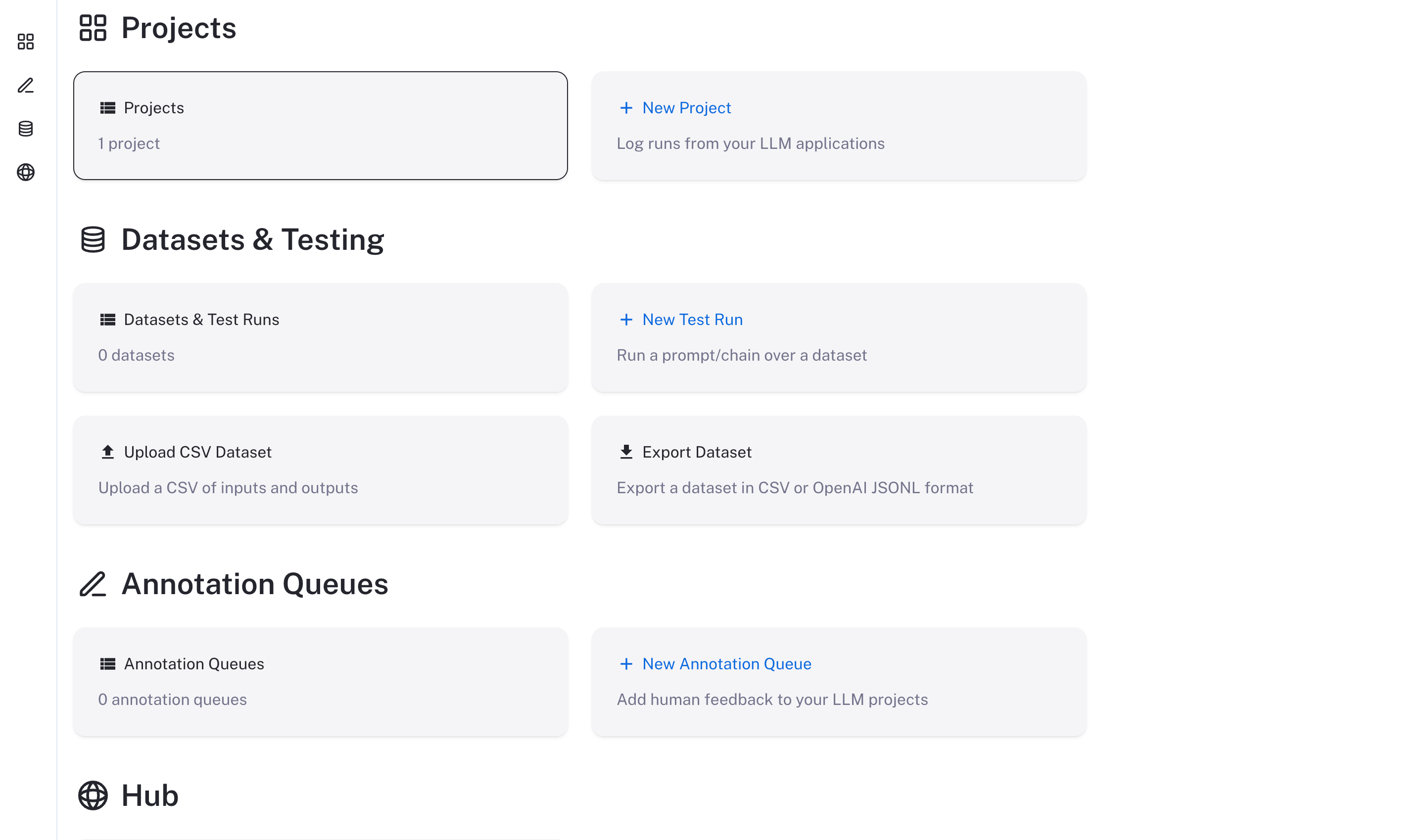
Docker
Upgrading the Docker version of LangSmith is a bit more involved than the Helm version and may require a small amount of downtime. Please follow the instructions below to upgrade your Docker version of LangSmith.- Update your
docker-compose.ymlfile to the file used in the latest release. You can find this in the LangSmith SDK GitHub repository - Update your
.envfile with any new environment variables that are required in the new version. These will be detailed in the release notes for the new version. - Run the following command to stop your current LangSmith instance:
- Run the following command to start your new LangSmith instance in the background:
Validate your deployment:
-
Curl the exposed port of the
cli-langchain-frontend-1container: -
Visit the exposed port of the
cli-langchain-frontend-1container on your browser